Choose your partner
Start with Bulbasaur, Charmander, or Squirtle. Each brings a different move and a different way to approach the opening minutes.
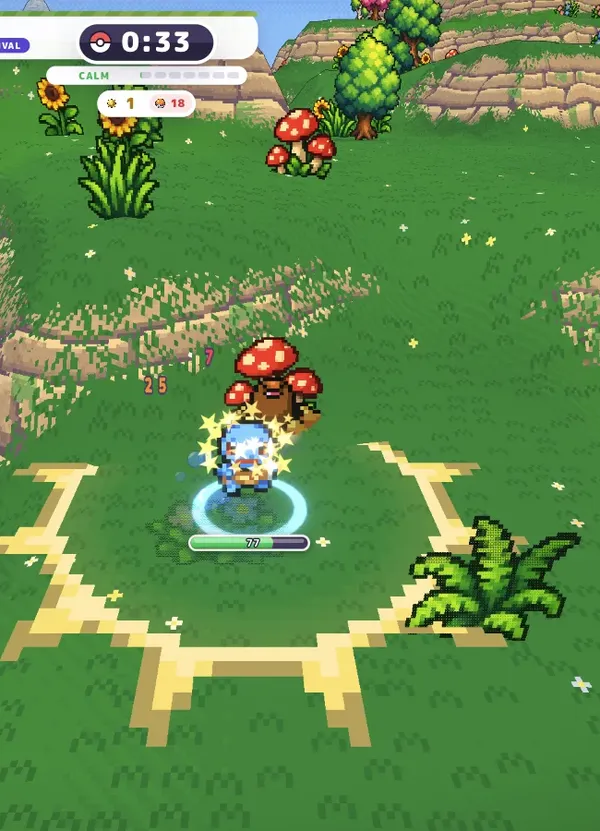
Open the browser game, choose a partner and learn the controls, modes and upgrades with this independent guide and real game screenshots.
Open the game, enter as a guest if offered, choose Bulbasaur, Charmander or Squirtle, then select a region and difficulty. In a run, move with WASD; your equipped moves attack automatically. Pick a level-up card when prompted and spend earned Stardust in the Lab between runs.
Press play and you are in — 151 Kanto Pokémon, endless hordes, a boss every five minutes.
Move through a colorful 3D arena while your partner attacks nearby enemies. Collect experience, choose upgrades, and find the build that carries you through the next wave.
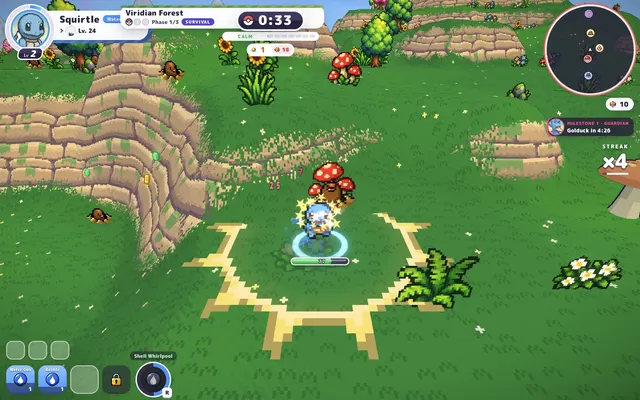
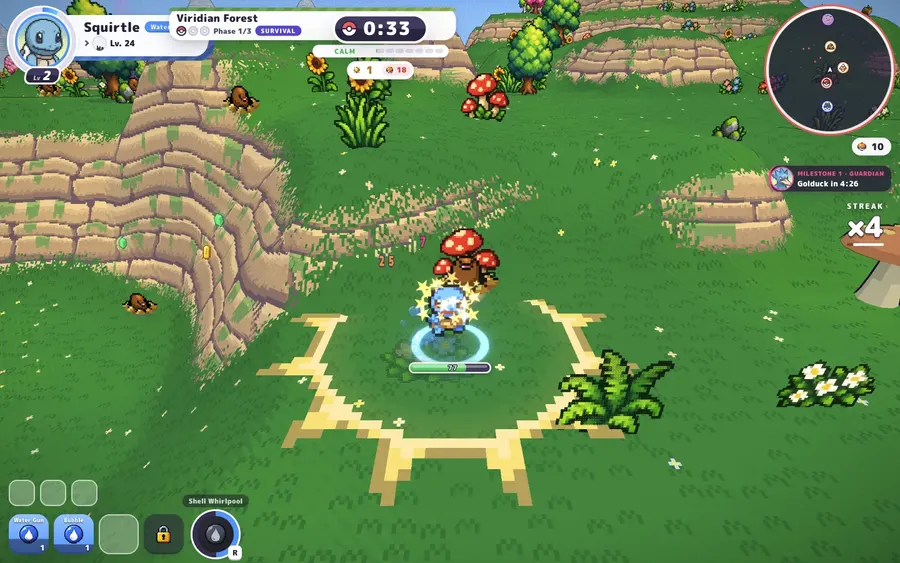 01 ACTUAL GAMEPLAY · VIRIDIAN FOREST
Start with Bulbasaur, Charmander, or Squirtle. Each brings a different move and a different way to approach the opening minutes.
New moves, stronger attacks, and stat boosts change the shape of your run. Read the choices, then commit to your build.
Positioning is your best defense. Dodge the crowd, watch your health, and give your automatic attacks room to work.
Three starting styles. One adventure that changes with the partner you pick.
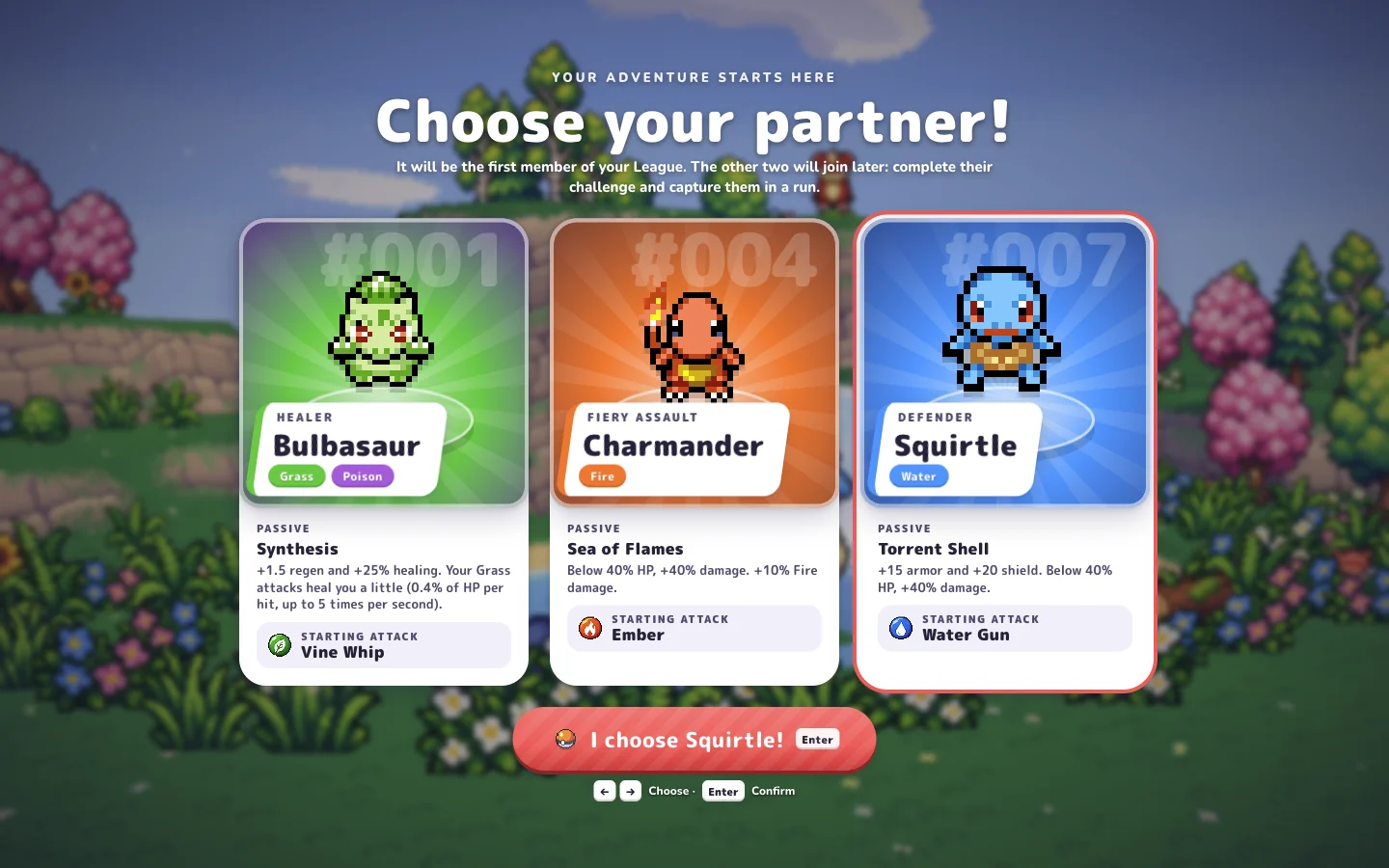
Find your rhythm with healing and steady recovery while you learn to keep a safe path through the crowd.
STARTING MOVE Vine Whip ↗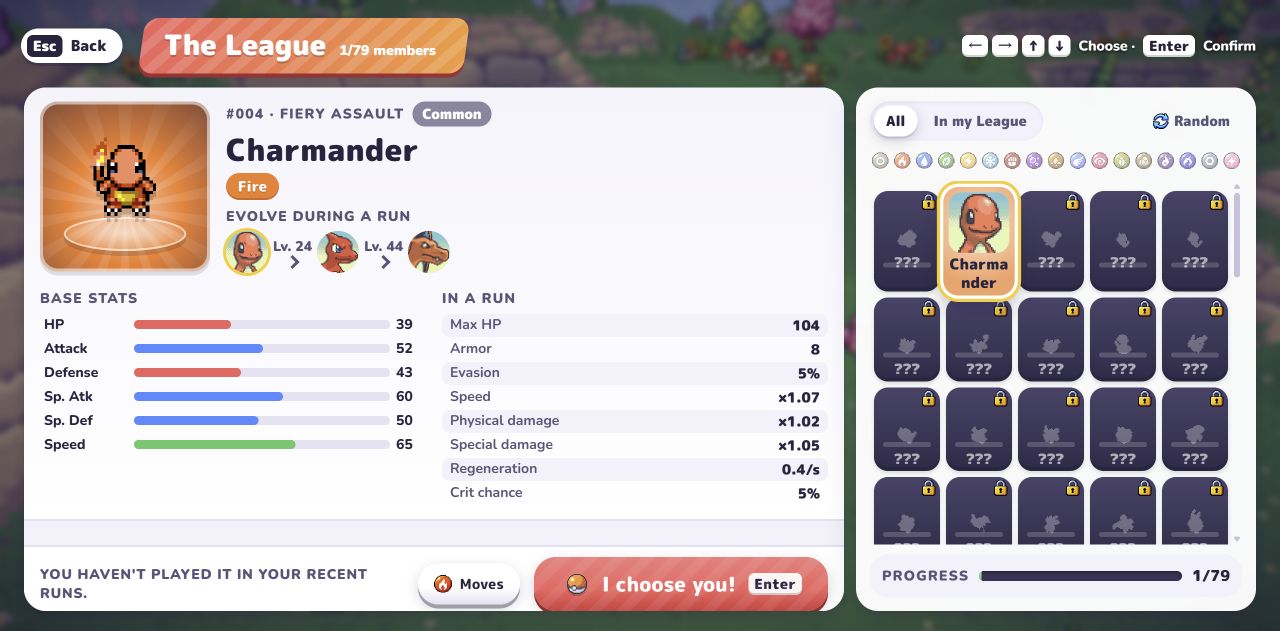
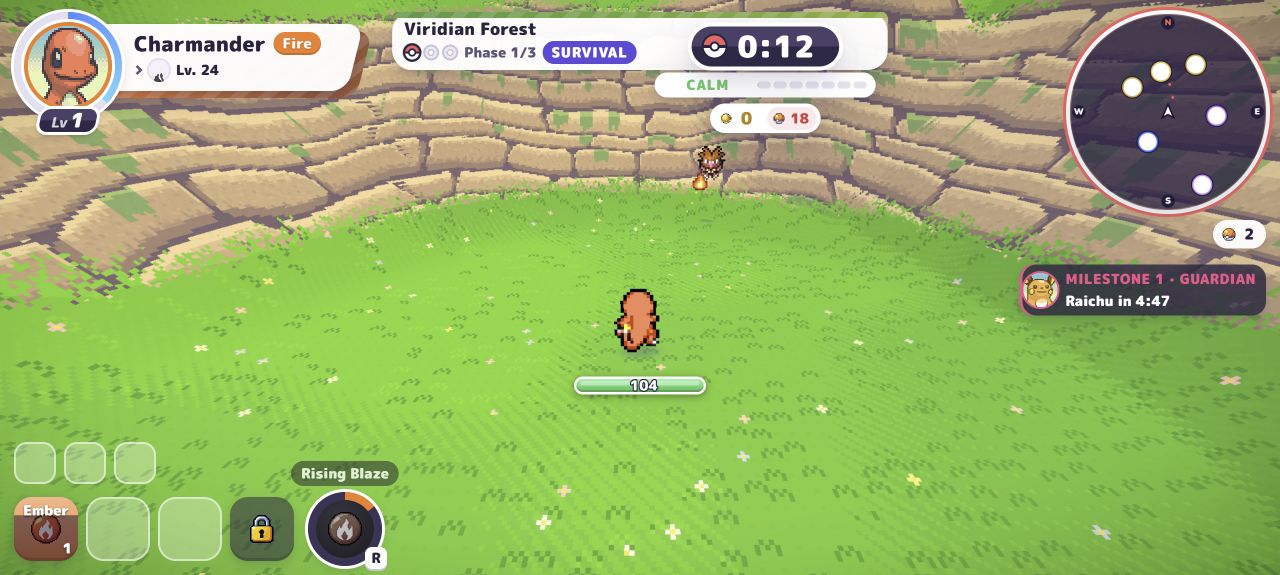
Bring a fast Fire attack to the opening and build toward a high pressure damage run.
STARTING MOVE Ember ↗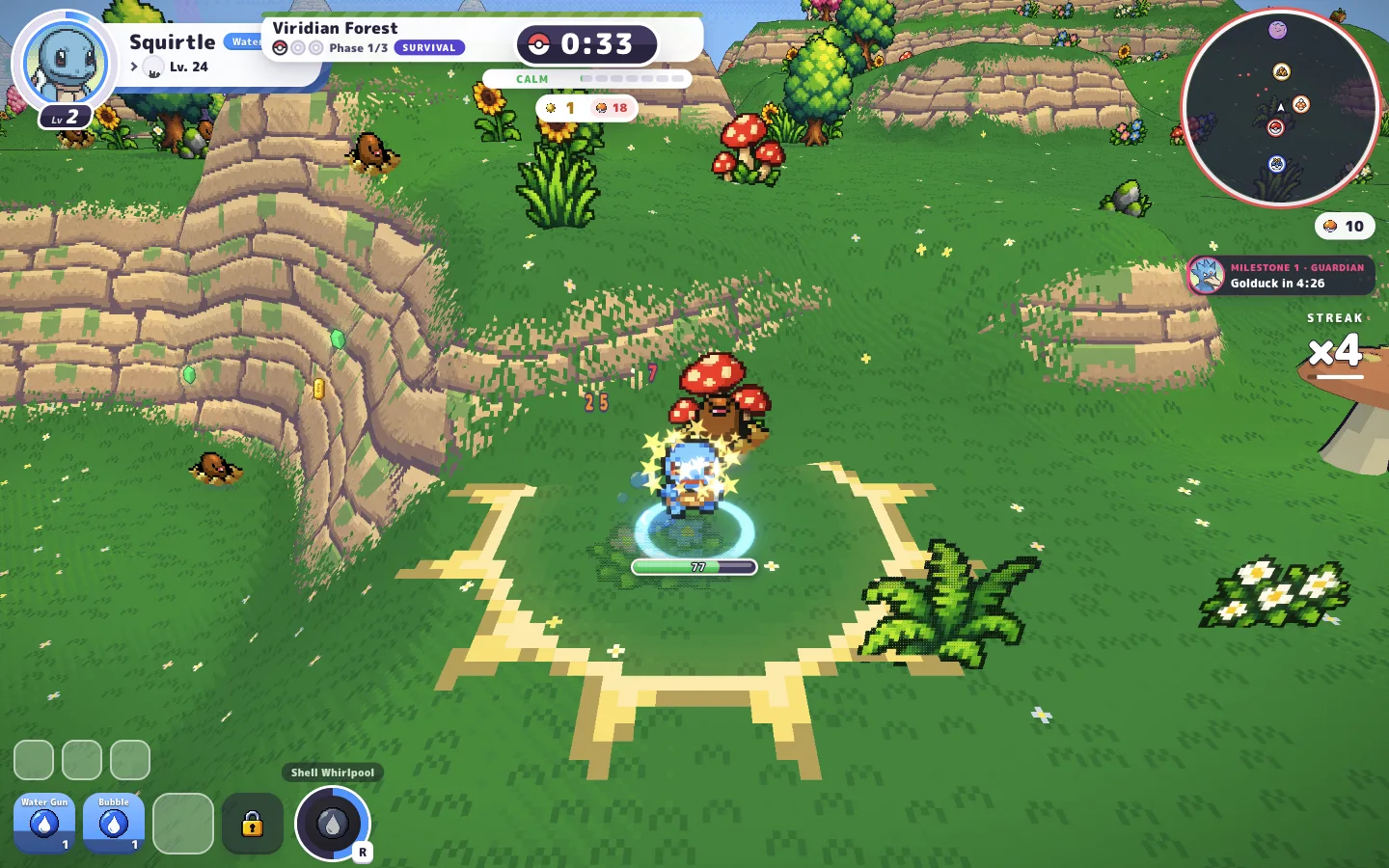
Lean into armor and shield effects as you get comfortable with enemy spacing and survival.
STARTING MOVE Water Gun ↗Real, clear images from the game: the world, the menus, the choices, and the run itself. Select any image for a closer look.
Screenshots captured from the live game at pokebonk.com and pokebonk.app; additional credited game captures from PokeBonk Guide.
Two creators played PokéBonk from the first zone to the final shrine and explained what makes it stick. Press play and the video runs right here on this page — nothing opens, nothing downloads.
Both videos play on this page. They are the original work of their creators — commentary and thumbnail come from YouTube, while playback happens here without leaving the site.
Pick the structure you want, then see how far your choices can take you.
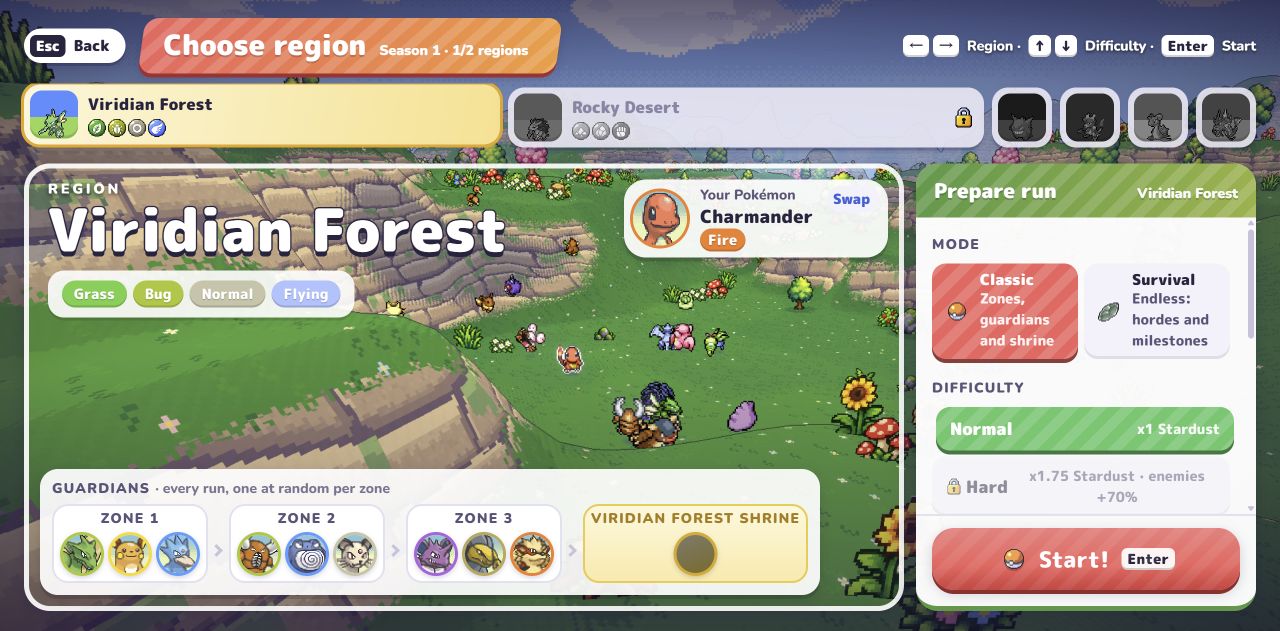
Work through zones, face guardians, and aim for the shrine. A focused path for learning the map and your build.
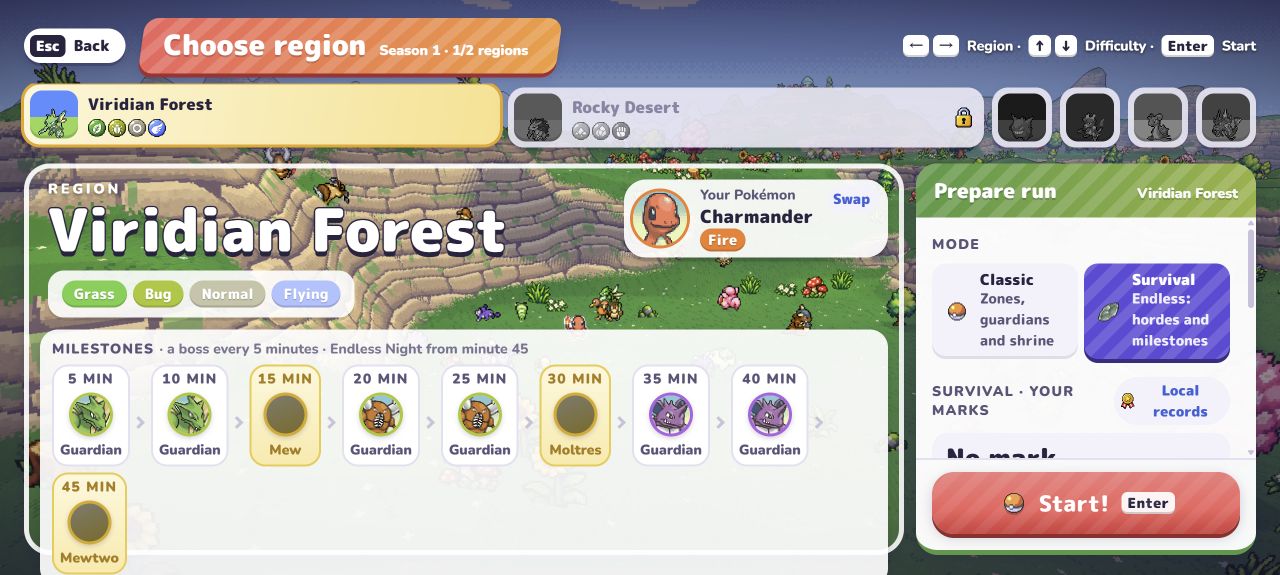
Stay in one arena as the horde grows and milestones approach. Keep adapting and see how long you can last.
These are captures of the original game, paired with the decisions they show. Follow the screens from the first menu to your next attempt; the live game may change as it is updated. Open the focused first-run walkthrough ↗
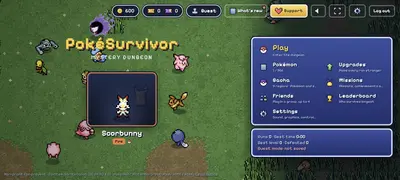
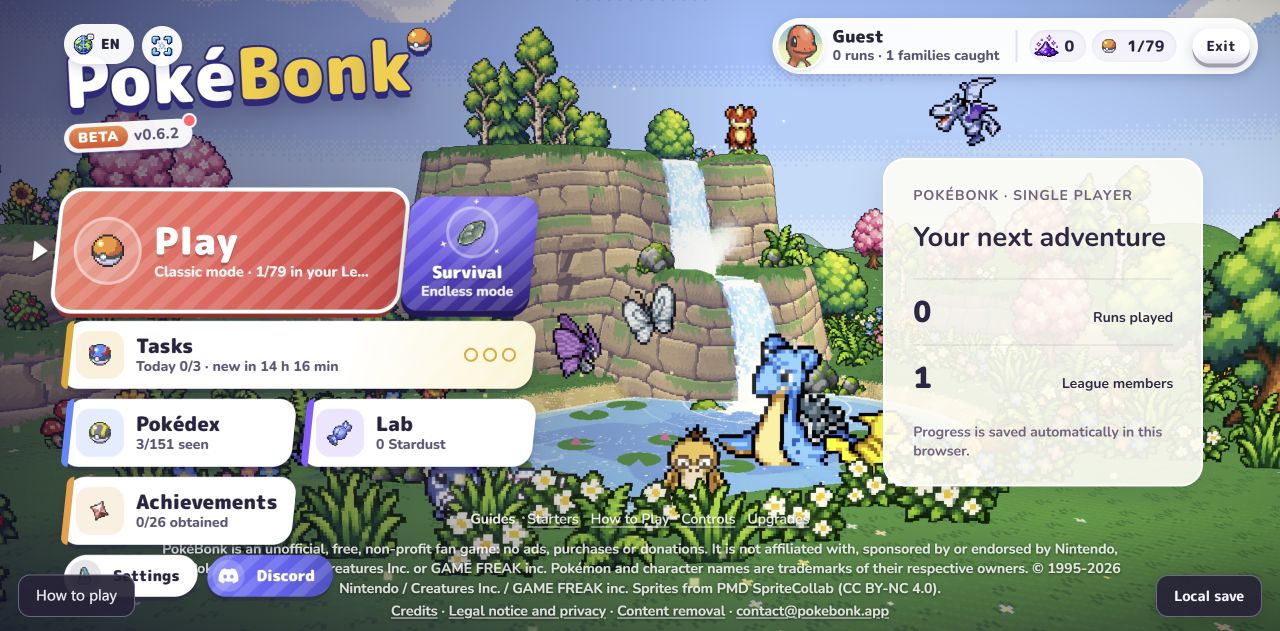
The main menu separates Play and Survival. Your League is the roster of playable partners. Open a partner's details to see its starting move and passive before you confirm.
On the region screen, read the selected mode, difficulty, and map together. The pictured Classic setup shows guardian zones leading to a shrine; the Survival setup shows timed milestones. Check the panel before pressing Start, especially if you changed modes.
Equipped moves attack automatically. Use movement and the camera to keep an open route, then collect experience when you can leave the pickup area safely. A small reward is rarely worth getting surrounded.
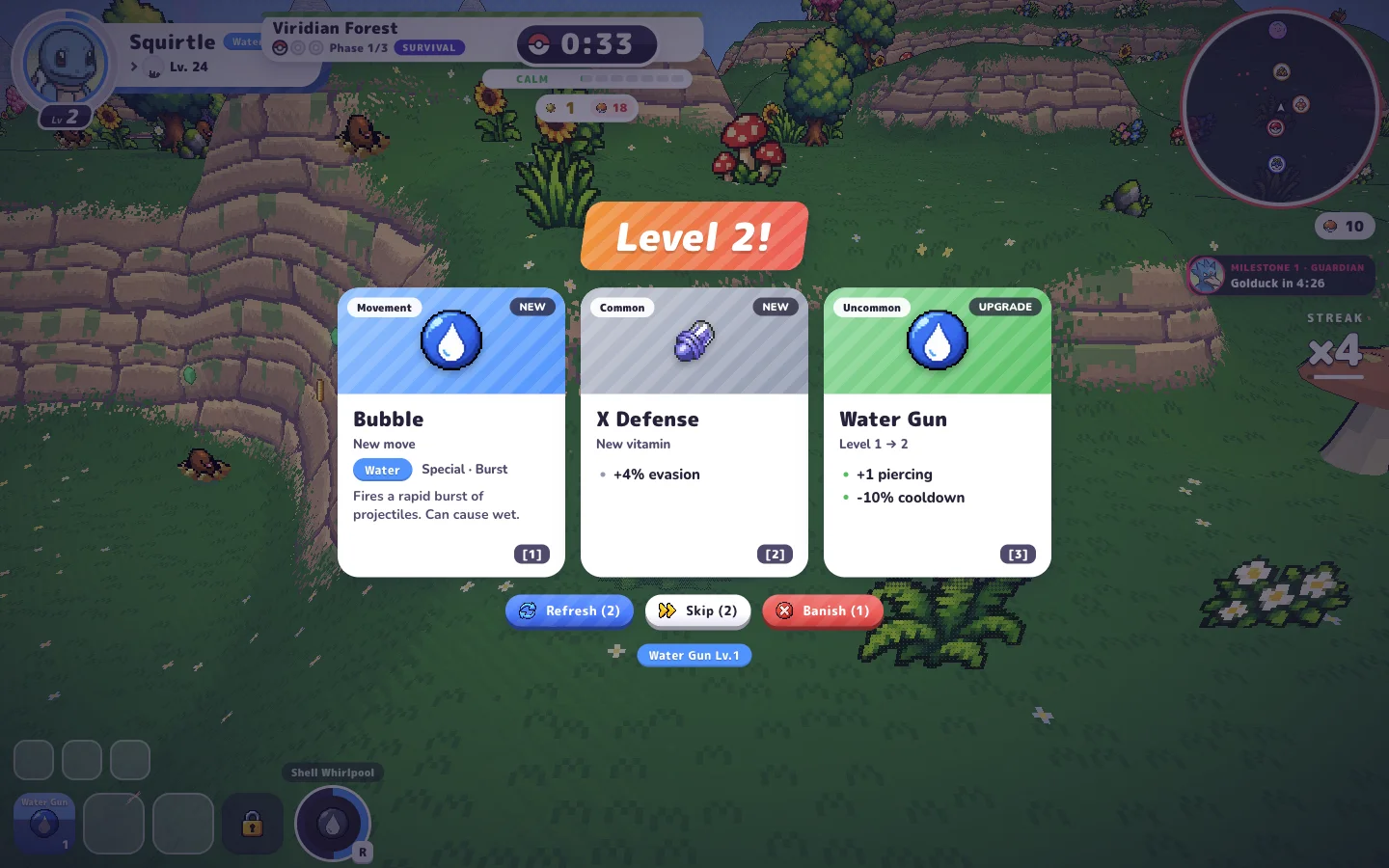
The combat capture also shows an upcoming Guardian milestone on the right. Use that notice to prepare space before the encounter, rather than waiting until the timer runs out.
The pictured level-up offers three different jobs: Bubble adds a move, X Defense adds a vitamin, and Water Gun improves an equipped move. Read the effect text and the New or Upgrade label, not just the name.
Refresh replaces the offers, Skip passes on the choice, and Banish excludes a selected option for this run. Their counters are limited, so inspect the visible choices first.
Classic is a route through guardian zones toward the final shrine. Survival stays in an endless arena with timed milestones. When an attempt ends, review where it broke down: movement, damage, defense or experience collection.
The Lab spends earned Stardust on persistent upgrades. Level-up cards shape only the current run. Choose one useful Lab improvement, then try the same map again so you can feel what changed.
Default desktop inputs. The game also provides touch controls, gamepad support and rebinding in Settings.
Guide checked against the game's first-run guide, controls and upgrade explanations. Images are original game captures; their screens may differ from the current build.
A few useful answers for your first adventure.
PokéBonk is a free, unofficial 3D survivor fan game for the browser. You guide a partner through enemy waves while its moves attack automatically, then choose upgrades as you level up. PokéBonk.lol is an independent game guide.
The original game runs in a browser with JavaScript and WebGL. Press play above to load the game in this page.
Try Bulbasaur for healing, Charmander for Fire damage, or Squirtle for defensive effects. The best first pick is the style you want to learn.
Classic uses zones, guardians, and a shrine. Survival is an endless run with growing hordes and timed milestones.
Yes. The videos section collects two full playthroughs with commentary from their original creators, and both play directly on this page — press play and the video runs here.
Yes. The gallery uses real captures from the live game's menus and gameplay, including our own browser captures and clearly credited captures from PokeBonk Guide.